Showing posts with label Tableau. Show all posts

Wednesday, October 21, 2015

Vizable (app) from Tableau is FREE

This is a free app from Tableau meant for you, the iPad user to "see, touch and understand your data"
Simply put this is a data visualization app.


If you can touch, you can also pinch, swipe and drag to visualize your data. Sharing is no problem and take your curiosity to the next step.

Download this App from Tableau site here.
https://itunes.apple.com/app/id1039023889#

When you are getting Vizable app also get Tableau's Tableau Mobile version 9.1.2


Tuesday, July 28, 2015

Standard setting Microsoft Power BI enters GA

PowerBI 2.0 was released recently (http://blogs.msdn.com/b/powerbi/archive/2015/07/24/power-bi-is-generally-available-today.aspx).  According to the link there appears to be two items, Power BI Service and Power BI Desktop. Power BI Visualization framework and its library will be available on GitHub as well.

Review articles on\using previous version here:

Power BI Unchained
http://hodentek.blogspot.com/2015/02/power-bi-unchained.html
Spin out a cutting edge report with Power BI
http://hodentek.blogspot.com/2015/02/spin-out-cutting-edge-report-with-power.html
Visualizing data on SAP's SQL Anywhere
http://hodentek.blogspot.com/2015/02/powerbi-preview-reporting-from-sql_13.html
Excel data visualization with Power BI
http://hodentek.blogspot.com/2015/02/powerbi-preview-reports-using-data-on.html

Power BI Service: Cloud Hosted Bi and Analytics
Power BI Service download is from this link.
https://powerbi.microsoft.com/?WT.mc_id=Blog_GA_James

I used Sign-in on the above linked page with my personal live.com acccount. It appears you cannot use just your Microsoft account (that anybody can get for free) but the Office 365 or enterprise account.

PowerBI_01

However this did not work for me. I am trying to resolve this issue with Microsoft.
Well, the mantra, 'five seconds to sign up, five minutes to WOW' did not work for me. I shall WOW later.

Installing the Power BI Desktop

Power BI Desktop can be downloaded from here:
https://powerbi.microsoft.com/desktop

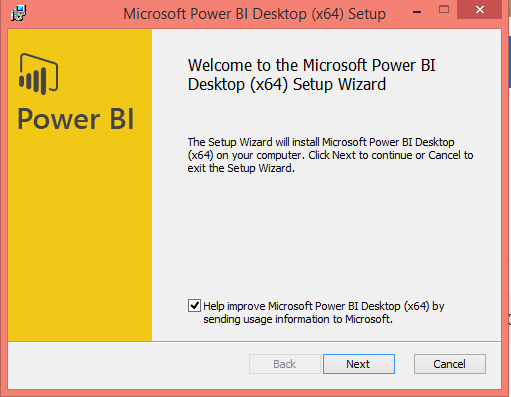
Install double clicking the Windows Installer Package PBIDesktop_x64 (55.6MB).


PBIDesk02.png
Agree to licensing terms. Accept default location. After one or more screens page with Install button will be displayed. Click Install. User Control Access window is displayed. Click OK. Progress page is displayed.

PowerBI Desktop is installed quite rapidly.

PBIDesk06.png

A new desktop icon replacing the one from the preview version is created.

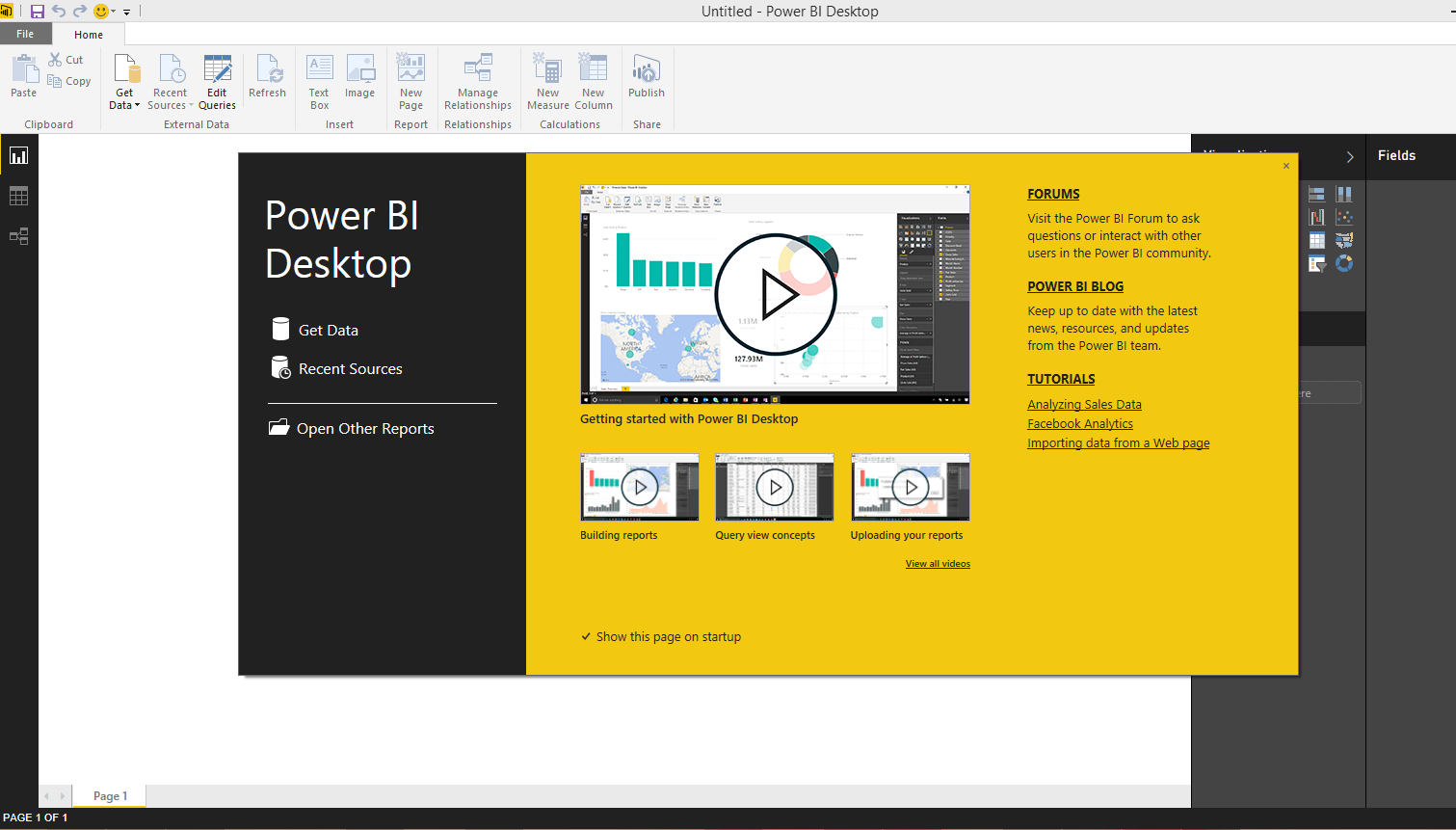
Launching the application displays the following window.


PBIDesk07.png

 
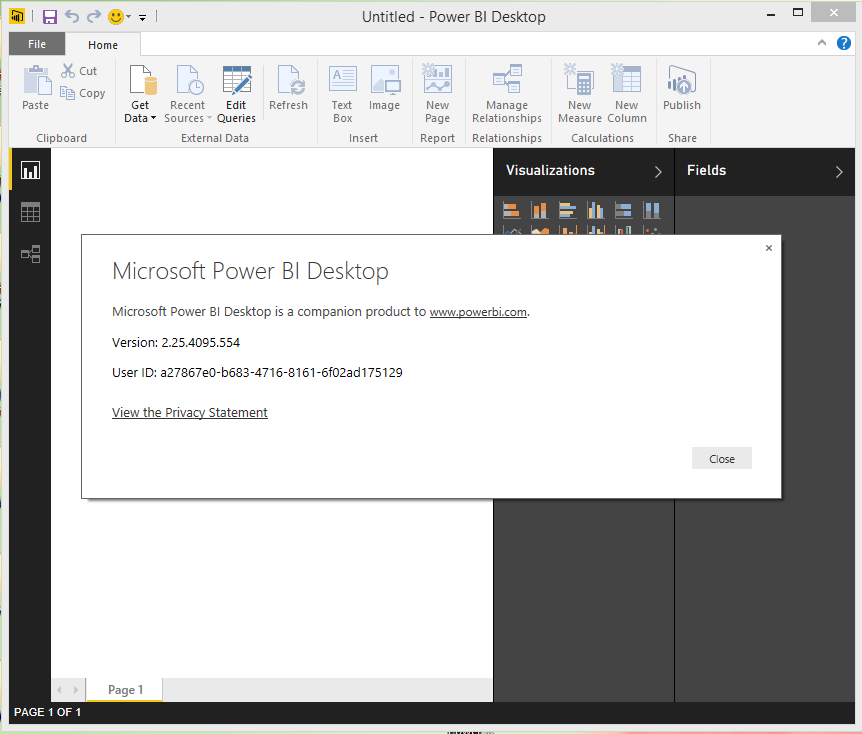
Dismiss the start up screen and you will see the Power BI Desktop with the 'ribbon'.

PBIDesk08.png

Happy Visualizing Data!

How does this stack up against Tableau and Qlik?

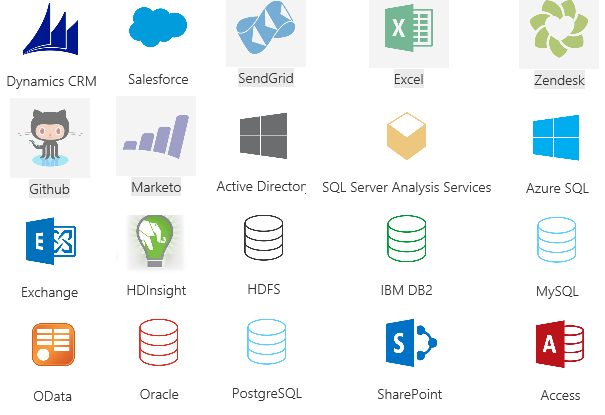
Review all the data sources from which you can get data for visualization here.


Friday, July 17, 2015

Qlik is in Gartner's BI Magic Quadrant

You can access the full report of Gartner's Magic Quadrant for Business for free after registering here:

The report provides an in-depth review of the leaders and challengers in this expanding business and is a must read.

Here is a key graphic from the report.

Qlik seems to be in quite a good position even vis-a-vis the biggies like Microsoft, IBM, SAP and Oracle. Tableau is at the top and Microsoft is close by with Qlik in between in the Leader's quadrant.

Qlik has a number of products and has products for enterprise, cloud and desktop. Qlik data platform and Qlik Analytics platform with its Business Discovery has attracted over 35000 ()customers in over 100 countries.


For free downloads and free training visit Qlik site.

You may also want to review the following:

Report from SQL Anywhere 16 using Microsoft Power BI
http://hodentek.blogspot.com/2015/02/powerbi-preview-reporting-from-sql.html

Report from an EXCEL application
http://hodentek.blogspot.com/2015/02/powerbi-preview-reports-using-data-on.html

Rapid reporting with Microsoft Power BI
http://hodentek.blogspot.com/2015/02/spin-out-cutting-edge-report-with-power.html

Microsoft Intelligent System Services
http://hodentek.blogspot.com/2015/03/microsoft-azure-iot-services-update.html

Power BI Unchained
http://hodentek.blogspot.com/2015/02/power-bi-unchained.html

Rapid fire Reporting using Tableau
http://hodentek.blogspot.com/2014/12/tableau-software-for-rapid-fire-bi.html

Friday, February 06, 2015

Power BI unchained


I do not think this post is strongly worded. Everything Microsoft did anytime was tied to either Windows or Office.  The New Power BI, a natural language accessible, Microsoft new product is not just for some thing 'Microsoft'. In fact, I heard that the new Power BI was released first to iOS.

Power BI and Machine learning are going to play out big in coming months and years. PowerBi is going to squeze out all data that enters Microsoft that is exposed as a collection and crunched in Machine Intelligence. Once there, creating an app to levarage is no brainer. Of course BI is
the motivation. No data is lost which does not contribute to BI. Stop.

Actually this is considered 3rd gen BI. The first gen where you struggled with cubes and all in Analysis Service; the second gen with self-service BI for those who were uninitatiated to the mysteries of SSAS. The motivation and the drive has always been to make it easy for the
uninitiated.

How does this stack against Tableau? Well read more here.

Making PowerBI free is a very wise move. If not, Google will be readily
obliging!
Power BI has come of age and it has ascended to the cloud and there to stay..

Look at all the places from where you can mine the intelligence:

 
DMCA.com Protection Status