Arduino has become very popular among IOT enthusiasts of all types and stripes and because of
relatively low cost you need only to invest modestly to turn your imagination into reality.
Most probably you already know about Arduino and if you have not heard of Arduino here is a link
for you to start (
http://www.arduino.cc/) with.
There are a number of videos about Arduino at the above site. Simply put, Arduino is an electronics platform (the platform you can use to build interactive projects with both Open source software and
hardware).
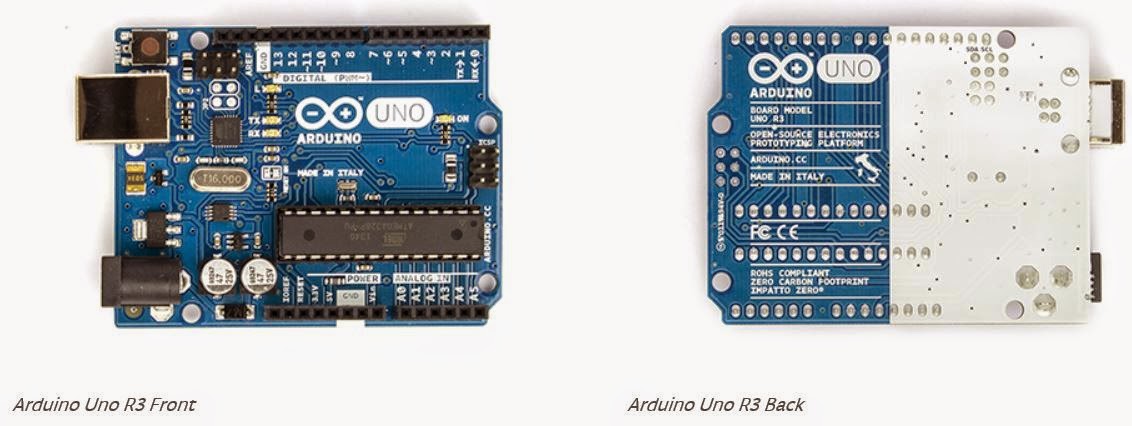
Here is the circuitry of Arduino Uno R3 which I bought from Amazon. Besides this there are many other boards that help you to work with your projects. It is better to buy a kit otherwise you will have to go and buy other compatible components.
Arduino has its own software (c/c++ programming language) that helps you to run Arduino programs called 'Sketches'. Arduino software which is presently in version 1.6.4 provides the Integrated Development Interface (IDE) to help writing programs. Programs can run on Windows, OS X and Linux. This software program can be used with any Arduino board such as the one shown above.
While Arduino IDE can be used to write programs to the boards and 'run' them, Microsoft Visual
Studio can also be used and in order to use Visual Studio you also need to install a program
called Visual Micro from this site (
http://www.arduino.cc/en/Main/Software).
Besides Arduino there are others, Banana PI, Raspberry PI, Intel XDK hardwares (Intel® Galileo and Intel® Edison boards, shields, sensors, actuators) etc..
Visual Micro is a plug-in which provides the Arduino programming environment. While Arduino IDE does not have a debugger, Visual Studio has built-in debuggng support.
Arduino is not supported on Visual Studio 2015 and the ideal version to use at this time is the
Visual Studio 2013 Community Edition (a free download), although versions 2008 to 2013 are supported.
Visual Studio Community edition is described in details here:
http://hodentek.blogspot.com/2014/11/you-get-all-this-for-free-in-visual.html
Install Visual Studio (edition of your choice from those supported) before you install Visual Micro.
Here are a few screen shots from my Visual Micro installation.
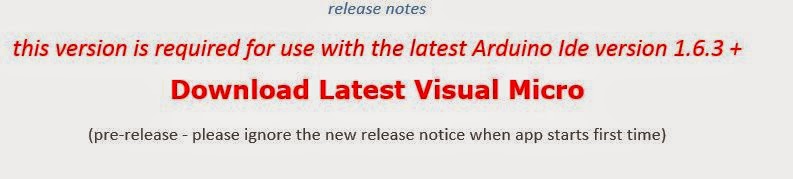
Stable version of Visual Micro from here:
In preview, the nightly build.
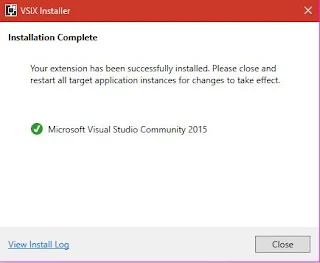
Installing the software.
Folder details of nightly build.
When you launch Visual Studio you may encounter this display.
Arduino in Visual Studio start page.
Supported hardware types.
Opening an existing 'sketch' project found in Arduino software download.
The 'blink' project which is a 'Hello World' project for IOT development in Visual Studio IDE.
Note: up to this point the hardware is not connected to the computer.
If you want to use INTEL XDK for IOT development review this post:
http://hodentek.blogspot.com/2015/01/jump-start-your-iot-development-with.html
Read debugging here:
http://hodentek.blogspot.com/2015/05/debugging-arduino-from-visual-studio.html
Reading serial port here:
http://hodentek.blogspot.com/2015/06/arduinos-analog-serial-readout-with.html

 Click Download and the program starts downloading the VSIX (5.55.MB) installer.

 New | Arduino Project
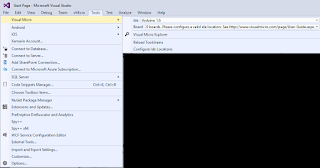
 Tools | Visual Micro