Thursday, March 31, 2016

Microsoft Edge has extensions now

Well, presently only in the latest Windows 10 Insider Preview (build 14291).

However, in due course, it will be released to the mainstream (that's you and me) Windows 10 users. When released for the mainstream you just go to Windows Store and download.

This is testing time for the insiders. This is the time to test it out so that when it is out of the door there are no surprises.

What are the extensions available for the insiders?

They are all listed and explalined here:
https://developer.microsoft.com/en-us/microsoft-edge/extensions/

The Microsoft Translator
Supports more than 50+ languages.
Languages that are supported by this extension:
   # Arabic
   # Bosnian (Latin)
   # Bulgarian
   # Catalan
   # Chinese Simplified
   # Chinese Traditional
   # Croatian
   # Czech
   # Danish
   # Dutch
   # English
   # Estonian
   # Finnish
   # French
   # German
   # Greek
   # Haitian Creole
   # Hebrew
   # Hindi
   # Hmong Daw
   # Hungarian
   # Indonesian
   # Italian
   # Japanese
   # Kiswahili
   # Klingon
   # Klingon (plqaD)

   # Korean
   # Latvian
   # Lithuanian
   # Malay
   # Maltese
   # Norwegian
   # Persian
   # Polish
   # Portuguese
   # Queretaro Otomi
   # Romanian
   # Russian
   # Serbian (Cyrillic)
   # Serbian (Latin)
   # Slovak
   # Slovenian
   # Spanish
   # Swedish
   # Thai
   # Turkish
   # Ukrainian
   # Urdu
   # Vietnamese
   # Welsh
   # Yucatec Maya

What a terrible world! Microsoft has a translator for Klingon but not for Telugu and Kannada spoken by millions!

The other extensions are presently:
Redit enhancement suite

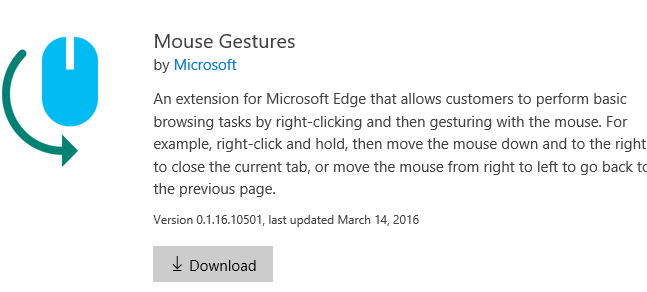
Mouse gestures


Here is a video about installing extensions :

Wednesday, March 30, 2016

This is it, if you are a game developer.

If you are a game developer, I suppose you may not even read this post. Unity is a multi-platform, 2D/3D game development engine and you can learn about it here (unity3d.com).

It is supported on most platforms and a leader in game development. With just one click you can deploy to:
  • Mobile - iOS, Android, Windows and Tizen
  • VR
  • Desktop
  • Web
  • Console and 
  • TV platforms.

Here are the platforms to which you can deploy the games.


Unity_01

If you are developing for the mobile area it has lots of built-in stuff:
  • One-click deployment to Android, iOS, Windows Phone, and Tizen.
  • Tons of optimizations thanks to features like occlusion culling, asset bundling, and build size stripping.
  • World class monetization and retention services for mobile games.
  • Dedicated, easy to use 3D and 2D tools and workflows.
Unity for VR and AR is already garnering from most vendors shown here:

Unity_02

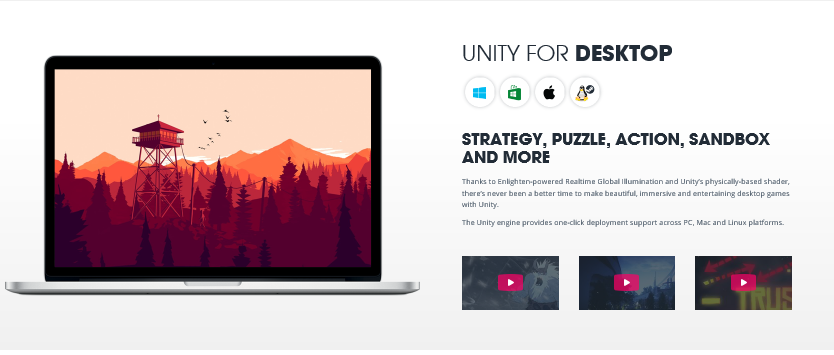
You can develop very immersive and entertaining games for the desktop be it Windows, Mac or Linus/StreamOS

Unity_03

If you have game console such as XBOX, PS4, Wii and 3DS they are covered too:


Unity_04

I have a Samsung TV can I deploy? of course you can. Unity supports these Smart TVs as well:
Android TV
Samsung TV
Apple TV

 
Unity_05

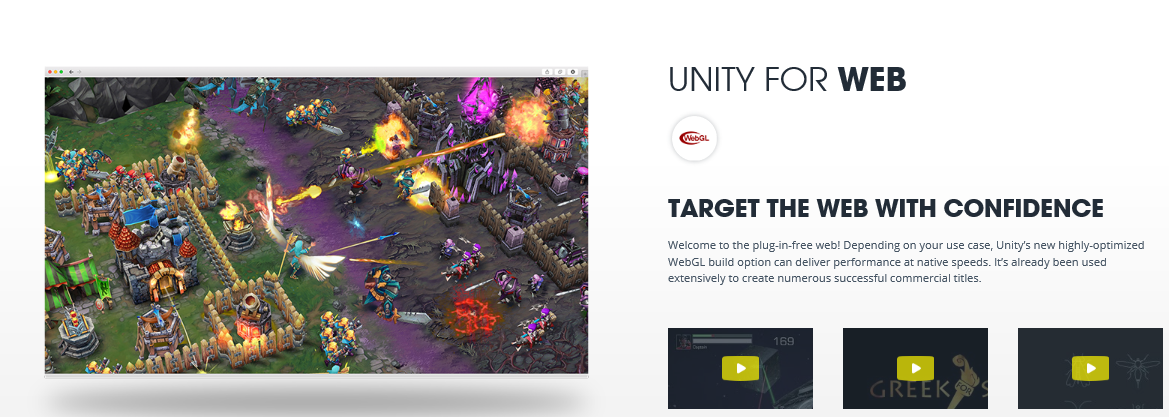
Now what about Web?

Of course you can target the Web and it has already been used commercially.


Unity_06

Hay! What are you waiting for? Download.

Why fret?
Download the free stuff
Just to get your feet wet

Don't huff and huff!

Get the free stuff here:
http://unity3d.com/get-unity


If you like it and if you can work with it, go and get the professional.
If you are going to work with Microsoft's latest, Hololens, also get the Visual Studio 2015 Community. It is already integrated to work with Hololens and you can get your Unity projects into it.

Let us Game!

Source: Pictures and some language copied from Unity web site

Wednesday, March 16, 2016

Microsoft out of windows into the open


Microsoft is getting into the OPEN in a big way.
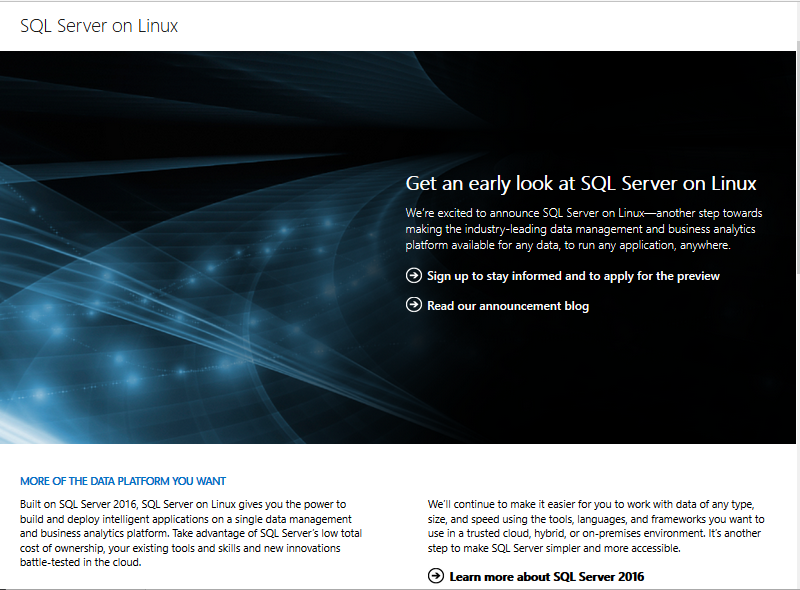
First week of March this year Microsoft announced the availability of SQL Server on LINUX for both on-premises and the cloud. The core RDBS capabilities are now in preview but will be available mid-2017. The above image from Microsoft site.


More details here:
http://blogs.microsoft.com/blog/2016/03/07/announcing-sql-server-on-linux/

All the very best on Windows will be available for LINUX as well such as:
Mission-Critical Performance
Industry-Leading TCO
The best in best security
Plus all the hybrid cloud innovations
These all available out-of-the box.

Microsoft is not just for Windows but is truly cross-platform.
The preview is available as of the announcement.
Sign-up here to get more as the preview is limited to a select initial group:
https://www.microsoft.com/en-us/server-cloud/sql-server-on-linux.aspx

Friday, March 11, 2016

Analyzing stocks with Microsoft Excel

This appears to be a new thing that Excel is supposed to do. It is really
Business Analysis, and I was just curious to see how much intelligence can
be gathered and how interactive the application. It uses the GET and TRANSFORM
features of EXCEL. Get started with Power Pivot to reap the benefits.

This program came with my Office 365 subscription and I was encouraged to
take the tour. Here are some images of my tour. It only worked partially. When
I added a third stock symbol, it could not come up with an anticipated response.
I think it is still in the works! More can be found on Excel Team blog.

This is what you would see after launching EXCEL2016 from its shortcut.


Click on Stock Analysis


Click Create.

 Click My Stock Analysis. It comes up with a two default stocks, their performance over a number of years as well as a chart. The application is supposed to allow you enter one more NASDAQ stock.

 I tried a couple of them like XOM, AAPL, GOOGL, etc. It asks for privacy information as shown in the next. For both option choose, PUBLIC and it should allow the third stock to enter

I could change the default stocks but the third stock did not work as expected. The charts, I suppose is no more relevant.


As I said earlier, it is still in works. It could become a great tool in the future.


Wednesday, March 09, 2016

Lightswitch App with Vsiual Studio 2015 Community needs Office Tools

The original installation of Visual Studio 2015 Community did not have templates for the Microsoft Lightswitch.

However, in order to use the Microsoft Lightswitch template you need to install the OfficeToolsForVS2015. The next link takes you directly to the site to download the file. In my case, I had it installed from Web Platform Installer 5.0. However, I am not able to take you to the link.

https://www.microsoft.com/web/handlers/WebPI.ashx/getinstaller/OfficeToolsForVS2015.appids

Once you install the Office tools using the above then you will see the Lightswitch project template as shown here with a HTML application and a Desktop application template:


LS2015_NewProj01
There are templates for C# as well.


LS2015_NewProj02

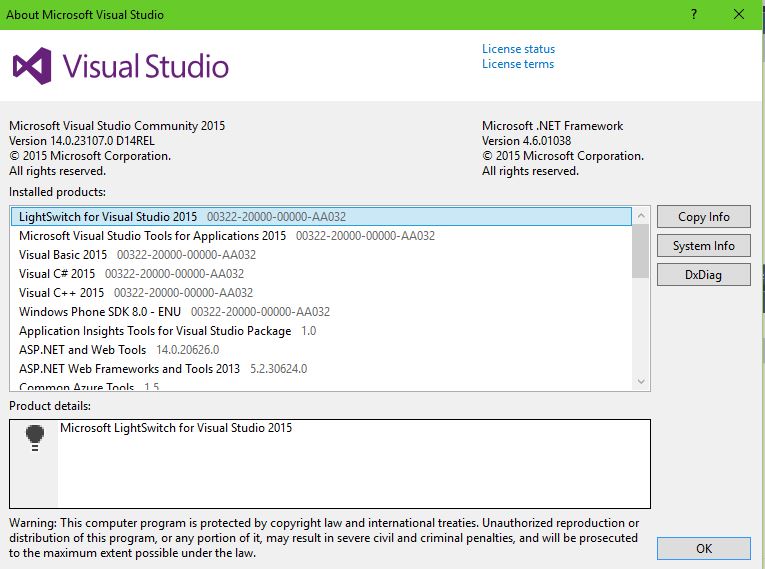
The About Microsoft Visual Studio drop-down from Help shows more details of the version.


LS2015_NewProj00

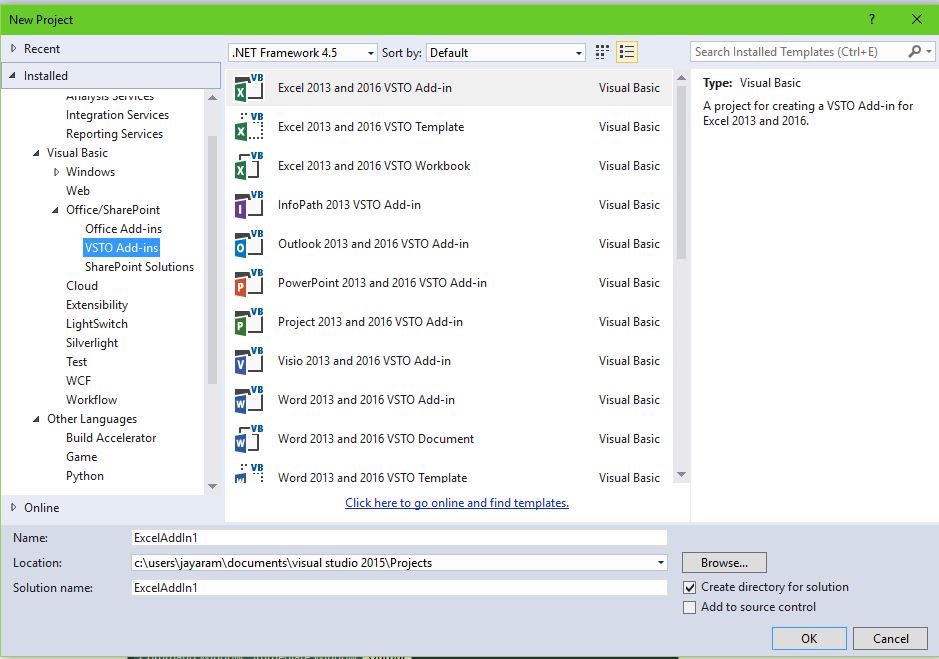
In addition to Lightswitch you also get a whole lot of templates for Office/SharePoint as  shown here:

LS2015_OfficeVstoSP
DMCA.com Protection Status